Amazon S3 Files
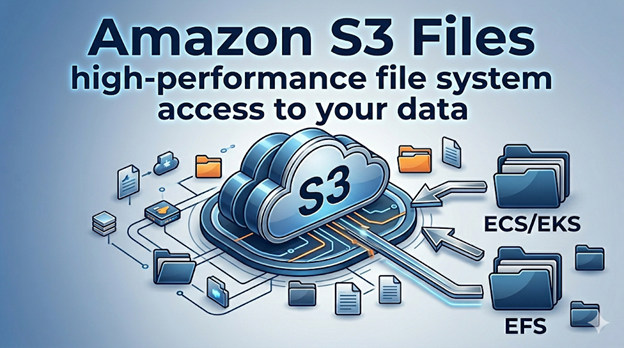
Ever wish you could mount an S3 bucket directly to an ECS/EKS task to enhance performance?
Oddly enough, just recently, I had a client project where we were weighing the merits of using S3 or the EFS.
My initial question was “How are they going to keep all the different versions of this data flying around the network in sync?” and they actually documented that pretty well.
The short answer is S3 bucket is the source of truth in case of conflicts.
If they do detect a conflict, they will document it in a new “lost and found” directory, so at least you have an audit trail.
There are additional charges for both storage and I/O, which you should be aware of so they don’t sneak up on you.
As for setting it up, they have a weird UI where you click through S3 and select your task definition to mount it to, but I was relieved to find you can skip all that and mount the S3 filesystem just like any other volume you would mount to an ECS task.
Honestly, I am skeptical about how much performance I can squeeze out of directly mounting the S3 filesystem, but I am eager to give it a try and find out.
I will let you know once I do.
Side Note: I actually put a lot of links in posts like these but I am told social platforms don’t like me linking to places off platform so those links are stripped out from posts on social platforms.
For the full post with links checkout my website, or better yet, sign up for my mailing lists.